
Xiaomi Redmi note 5 / note 5 pro Global history Recovery ROM MIUI 9.3.7, Weekly android 8.1 firmware of whyred. Xiaomi Redmi note 5 / note 5 pro Global history Recovery ROM MIUI 9.3.14, Weekly android 8.1 firmware of whyred. Xiaomi Redmi note 5 / note 5 pro Global history Recovery ROM MIUI 9.3.25, Closed Beta / Nightly android 9.0 firmware of whyred. Xiaomi Redmi note 5 / note 5 pro Global history Recovery ROM MIUI 9.3.28, Closed Beta / Nightly android 9.0 firmware of whyred.
- Xiaomi Poco f1 Global history Fastboot ROM MIUI 9.3.14, Weekly android 9.0 firmware of beryllium.
- Xiaomi Poco f1 Global history Recovery ROM MIUI 9.5.9, Weekly android 9.0 firmware of beryllium.
- Along with these three main rear side camera, It sports a 20-megapixel camera on the front for selfies.
- Download Latest Xiaomi redmi note 7 pro flash file from gsmmafia and flash your phone to fix hang on logo and bricked situation.
- Xiaomi Redmi note 4 Global history Recovery stock ROMs ROM MIUI 8.7.12, Weekly android 7.0 firmware of mido.
The 4000mAh non-removable Redmi Note 5 Pro battery charges at 0W. The Redmi Note 5 Pro comes with 32GB and 128GB of internal storage and a dedicated SD card slot for extra storage. Once complete you will see the “Success” message on the screen, And you your phone will reboot. Turn off your device and boot into Fastboot mode (Volume Down + Power button). Now you have to take permission to install any third-party application.
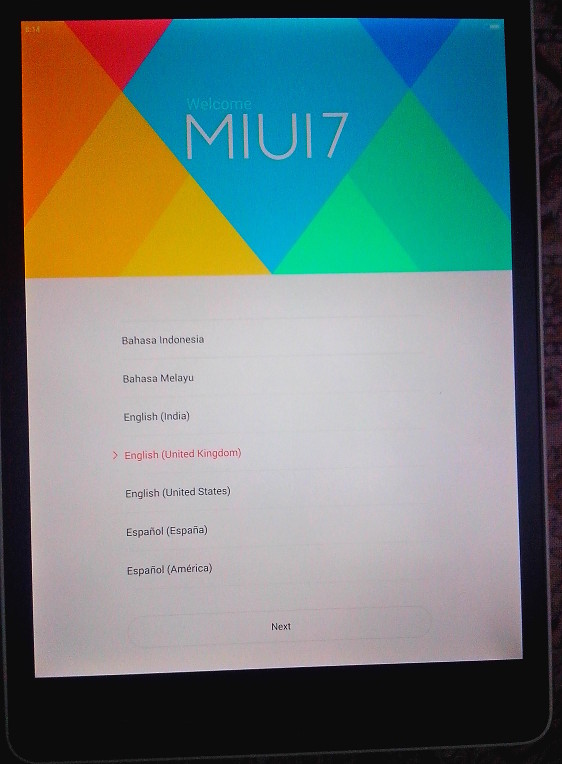
It is available for various Xiaomi devices including Xiaomi, Redmi, and POCO. Recovery ROM for Indonesia (ID) POCO X3 Pro is Stable release and needed to flashed under the Recovery mode of your POCO X3 Pro (vayu) device.
- Because locked bootloader prevents any software intervention to phone.
- The below process will wipe off all the data from your device, so please take a complete device backup beforehand.
- If you previously rooted or modified the system partition of your phone, you should consider flashing the Fastboot ROM.
- It is effortless to download the Xiaomi Redmi Note 5 Pro Flash File.
This will display all of the devices connected to your computer. The first feature of the latest Xiaomi stock ROMs is their ability to provide users with an optimized and smooth user experience. Xiaomi’s ROMs are designed with the latest technology and optimized for performance and battery life. This ensures that users can enjoy a smooth experience without worrying about their device’s battery life or performance. They come with a wide range of features and customization options, enabling users to tailor the ROM to their needs. Overall, using a Xiaomi Stock ROM can help to improve the user experience and provide greater stability for the device.